

Las visitas de servicio de campo funcionan mejor cuando los técnicos ven exactamente qué hacer—y usted captura exactamente lo que ocurrió en cada visita en sitio. Estas capturas de pantalla muestran un flujo móvil ligero de check-in/check-out de extremo a extremo que mantiene las instrucciones, el uso, las notas y la prueba de servicio vinculados a cada visita de campo. Con Mapsly, el mismo registro de servicio que aparece en el mapa de rutas se convierte en la fuente de verdad en el teléfono: un lugar para ver el contexto del cliente, realizar el trabajo, agregar fotos y escribir todo de vuelta en el CRM sin aplicaciones adicionales ni cargas manuales.
De un vistazo
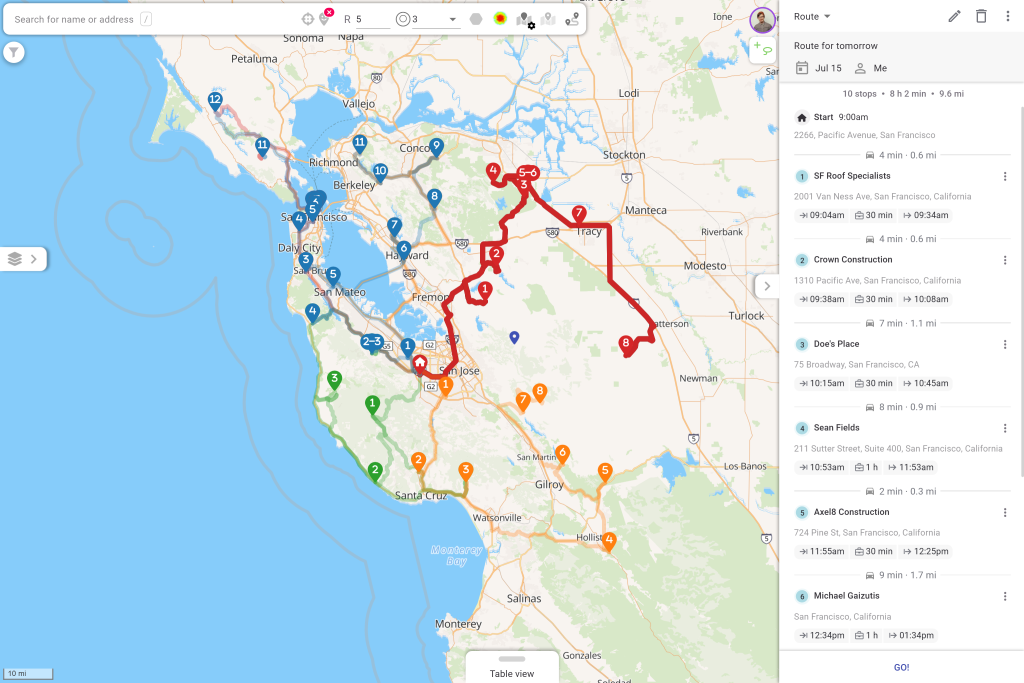
Visualización de datos: En el mapa y en la tabla, resalte el contexto de la visita—ronda de servicio, duración esperada, indicadores de la propiedad y estado—para que despacho y gerentes detecten rápidamente prioridades y excepciones.
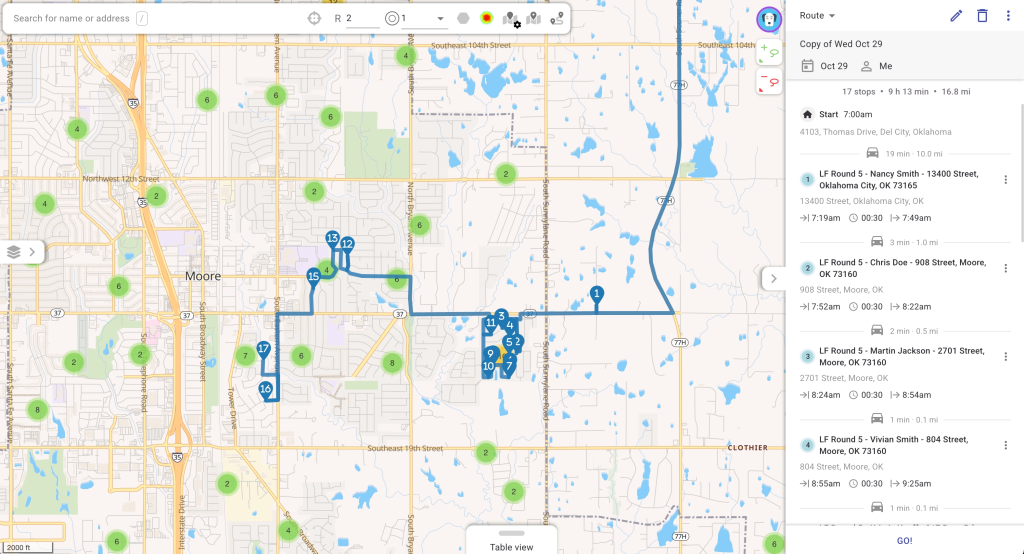
Los equipos pueden filtrar por tipo, estado o indicadores, colorear por prioridad y revisar las vistas de lista/tabla junto al mapa para ver qué vence ahora, qué lleva demasiado tiempo en curso y qué propiedades tienen notas que requieren un manejo especial.
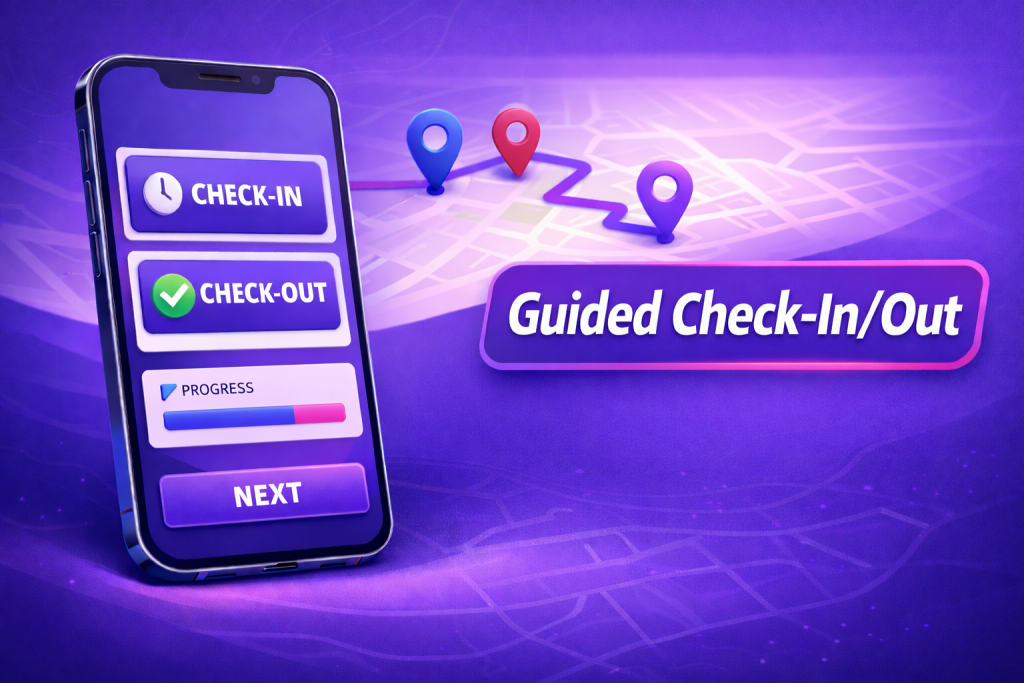
Registro de entrada: Una tarjeta de visita precargada guía al técnico con Cliente & Servicio, uso previsto (galones/libras), duración prevista, indicadores de propiedad, notas de parada y una imagen opcional de la propiedad—todo lo necesario antes de comenzar el trabajo, directamente en la aplicación móvil.
El check-in sirve de base para la visita de servicio en campo: el técnico revisa las instrucciones, confirma que está en la ubicación correcta y ve cualquier restricción o alerta de seguridad. Si es necesario, se pueden tomar fotos al inicio, y los campos obligatorios garantizan que la visita comience con el contexto adecuado para un seguimiento preciso del servicio.
Registro de salida: Capture el resultado del trabajo, los galones reales utilizados y cargue fotos posteriores al servicio con etiquetas de contexto; envíelos para la escritura automática en CRM, y adjunte prueba fotográfica para auditorías e informes de clientes.
Cuando se completa el trabajo, el resultado, las notas y los medios se guardan en el mismo registro de visita de servicio. Las fotos se vinculan al registro de CRM para futuras consultas, y el CRM se actualiza de inmediato para que los gerentes y los clientes obtengan un historial de servicio completo y coherente.
Impacto de un vistazo
⏱️ Documentación de visitas de campo 2–3× más rápida frente a notas y cargas manuales
✅ −30–50% de campos faltantes/incorrectos gracias a formularios guiados y resultados obligatorios
📸 Mejor prueba de trabajo con fotos estandarizadas y variaciones de uso vinculadas a cada parada
Con un sistema para la planificación de rutas, la ejecución en el sitio y la prueba de servicio, los equipos avanzan más rápido, los registros se mantienen completos y los clientes reciben resúmenes claros respaldados con fotos—convirtiendo cada visita de campo en datos confiables y menos seguimientos.
¿Quiere verlo en vivo? Programación una sesión con nuestro ingeniero de soluciones.