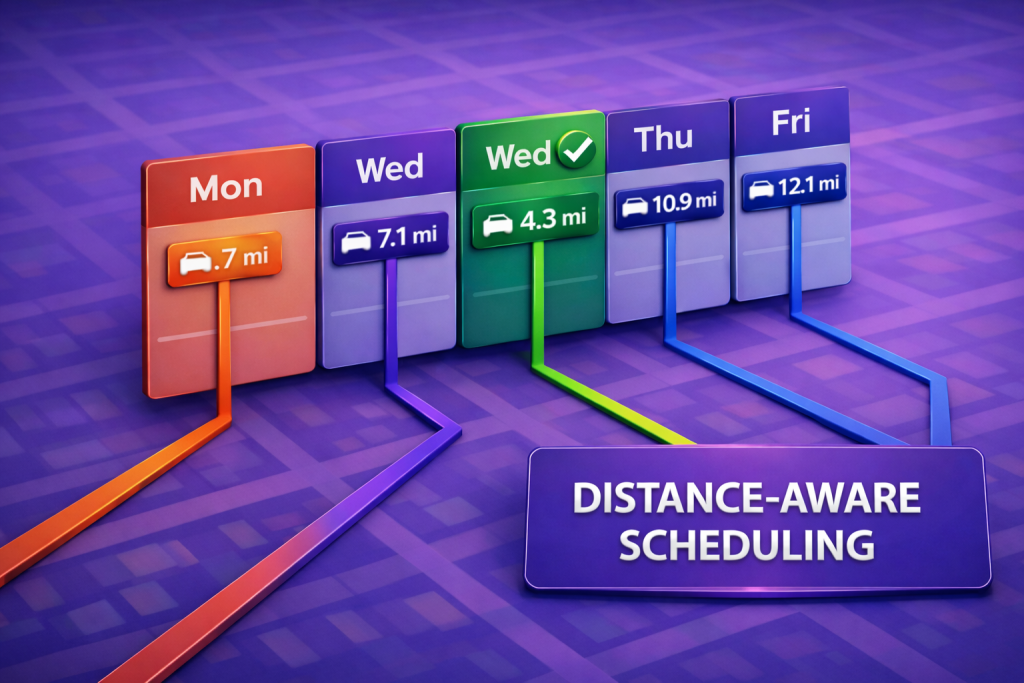


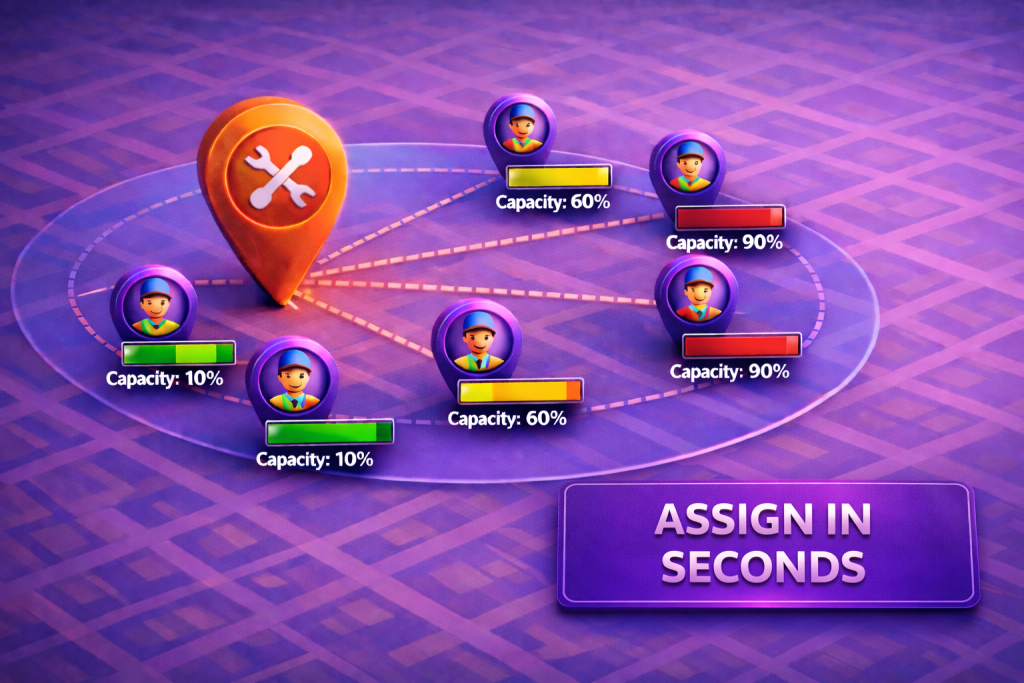
When speed matters, seeing technicians and service requests on the same map is everything. Mapsly can show leads and technicians side-by-side, then use a custom form to match work—like lawn mowing—to the closest 5 available technicians in seconds. Dispatchers get proximity and ETA in one operational view, with territory ownership, skills, and working hours considered in the background so assignments land with the right tech the first time.
How it works on the map
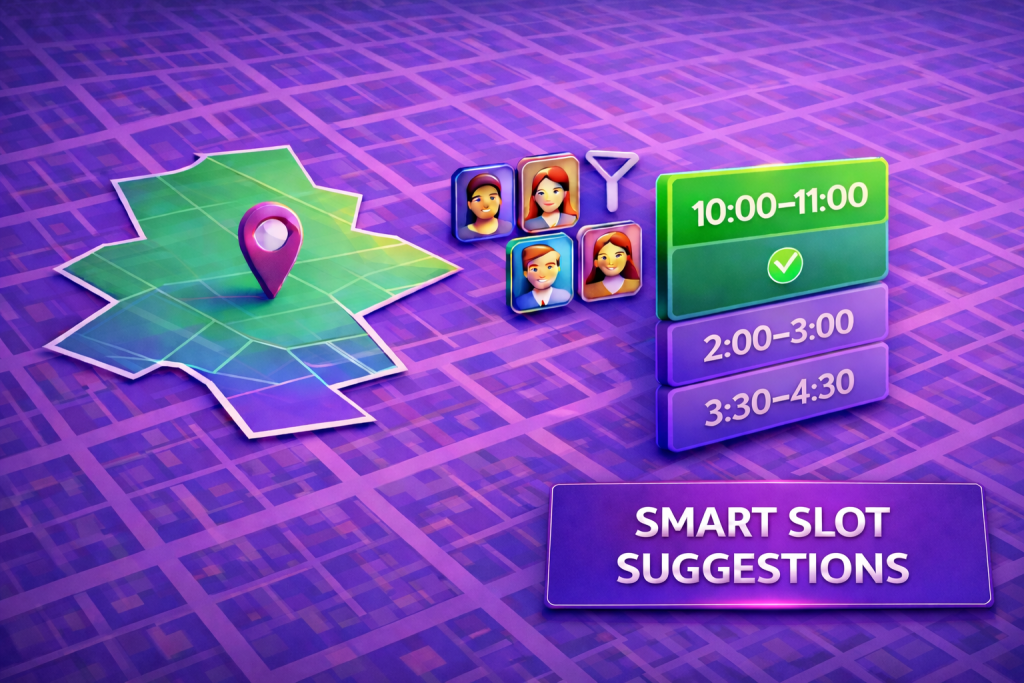
Pick a service: In a custom form, choose what you need (e.g., lawn mowing). Mapsly surfaces the nearest five technicians to the selected lead—distance and ETA included—so you can choose with confidence.
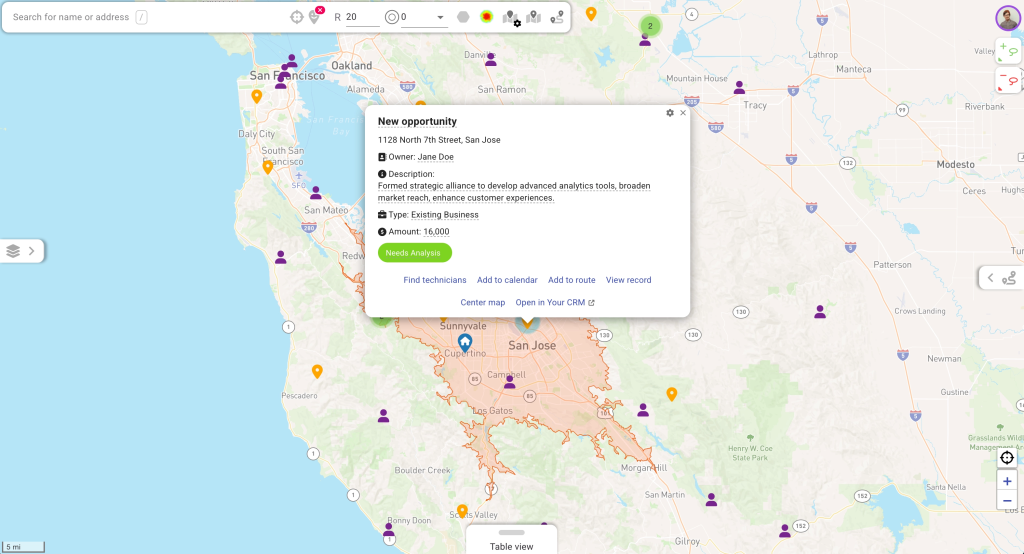
This short list keeps decisions crisp: the techs shown are nearby, eligible, and aligned with territory assignment and required skills, reducing back-and-forth and cutting response time when the service window is tight.
Message, then assign: The same form shows an auto-generated SMS to the chosen technician (editable before sending). One tap sends job details and a secure accept-job link.
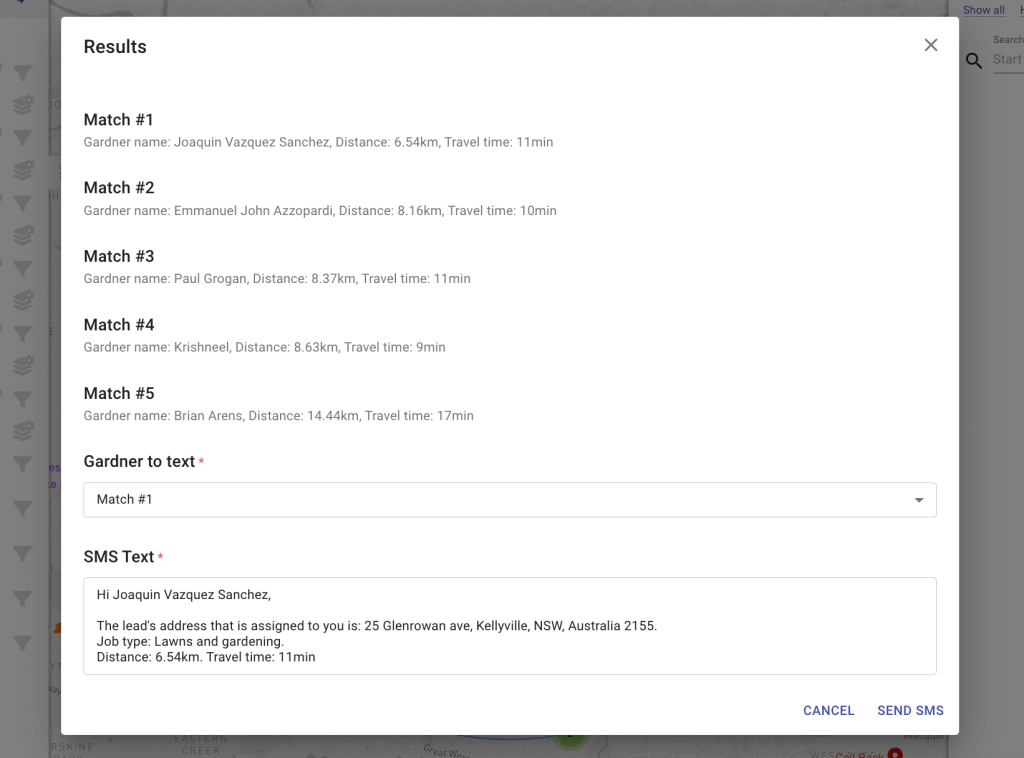
The handoff becomes a closed loop: the technician receives clear instructions and a single link to confirm, creating a clean record without phone tag or separate messaging apps.
What the tech sees: Job summary (address, appointment window, notes), travel time, and the accept link; once accepted, the CRM record updates automatically.
Technicians get exactly what they need at a glance—where to go, when to be there, and how long it should take—so they can commit quickly and start driving while dispatch tracks status in real time.
Why teams use it
Faster dispatch: pick from the best five, not a long list
Choosing from a curated, proximity-aware technician list accelerates decisions and keeps service levels steady even during peak demand.
Less travel: proximity + ETA baked into every choice
Selecting the nearest eligible technician trims deadhead and protects working hours, which adds capacity back into the day.
Cleaner handoff: SMS + accept link closes the loop in one flow
A single message with confirmation builds a reliable audit trail, reduces misses, and keeps CRM status aligned with reality.
With technicians, leads, and job assignments in one flow, teams respond faster, drive fewer miles, and keep customers informed—turning urgent service requests into predictable outcomes.
Ready to move faster? Book a call with our solution engineer below.