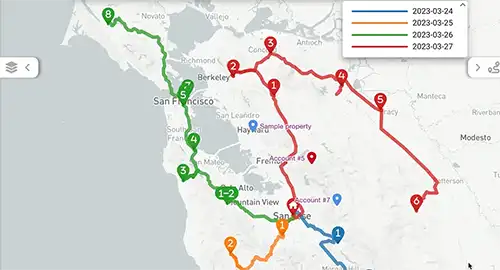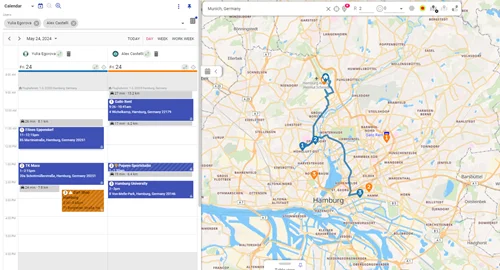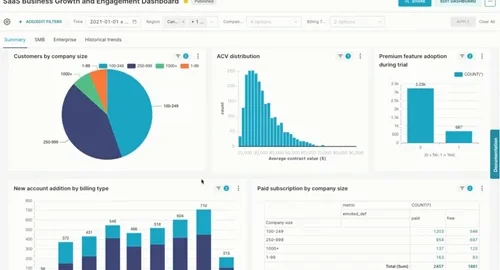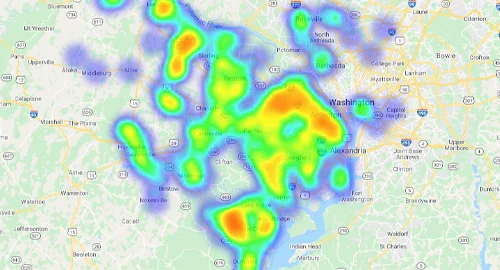



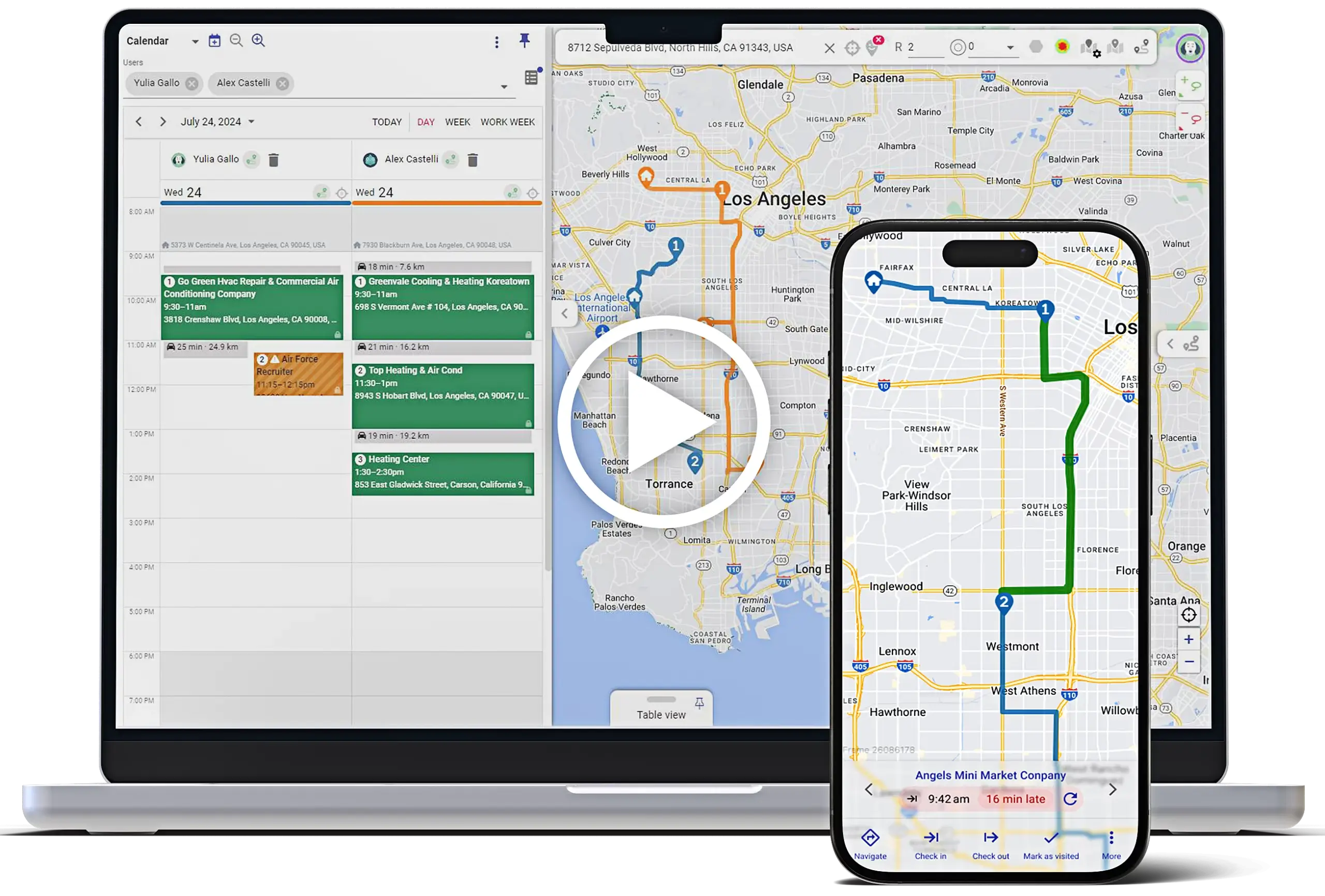



























Many datasets live outside your CRM—parcel boundaries, zoning, flood zones, utility corridors. With Mapsly, you can connect a Mapbox custom tileset and render custom map tiles alongside your CRM data so reps, ops, and planners see parcel context and customer context on the same map. The result is a single operational view where location layers, territories, and live CRM records come together for faster decisions and cleaner handoffs between teams.
How teams use this
Parcel boundaries in context: Display parcel outlines (or other custom tiles) next to your Accounts and Leads.

Seeing parcel boundaries on the same map as customers clarifies access, frontage, and ownership patterns at a glance. Teams can colorize by status or flags, zoom from neighborhood to parcel level, and spot which properties align with current campaigns or service programs.
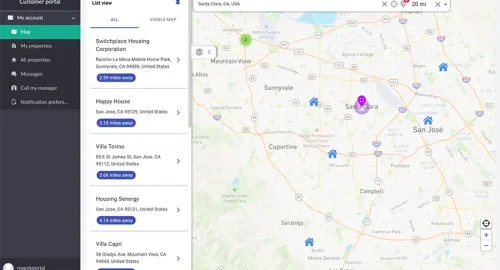
Spatial filtering of CRM records: Instantly find CRM records that fall inside selected zones, then build geo-targeted lists or routes from that selection.

Draw or click a zone and immediately isolate the records that matter. From there, create territory-aware lists, plan routes that respect availability windows and working hours, or push the selection to outreach—no exports or duplicate datasets.
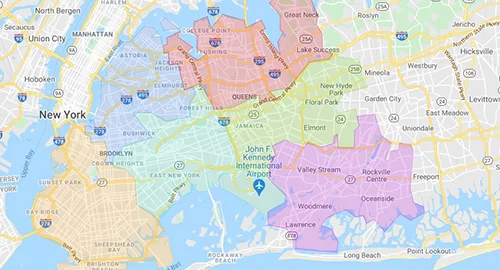
Coverage and territory checks: Count customers and leads by parcel zone to spot gaps or overlaps, then adjust sales territories without leaving the map.
Rollup metrics highlight under-served areas and double-covered pockets in seconds. Managers rebalance territories visually and see the impact right away, keeping ownership clear and workloads even across adjacent zones.
Why it matters (by the numbers)
⏱️ −50–60% time to build geo-qualified prospect lists
📍 3× faster territory gap detection
📈 +20–40% higher outreach efficiency when targeting leads in the right areas
Bringing Mapbox custom tiles together with territory assignment and live CRM data turns the map into a true planning surface—clear context, precise selections, and confident territory updates that stick.
Want to see it live? Schedule a quick session with our solution engineer.