

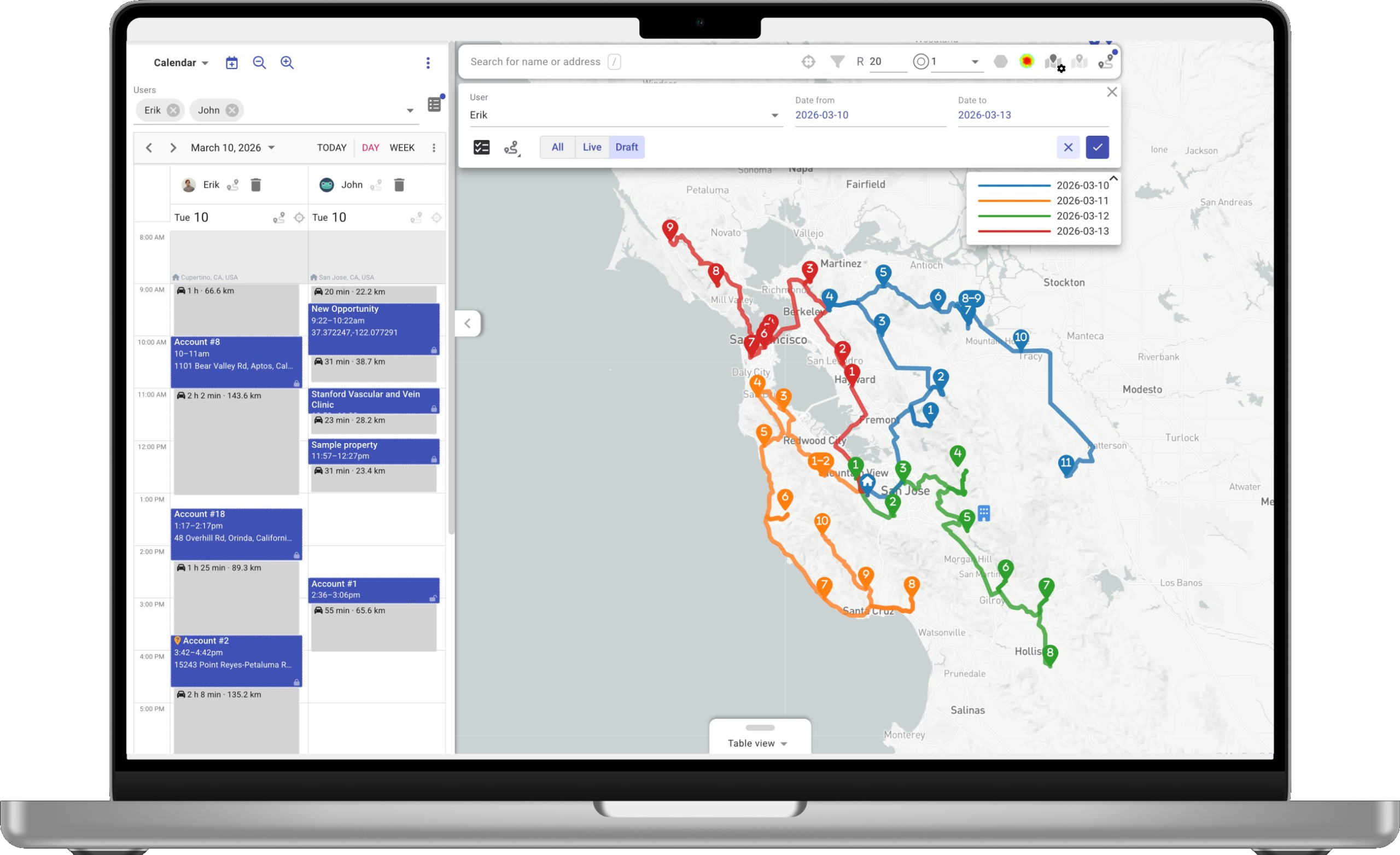
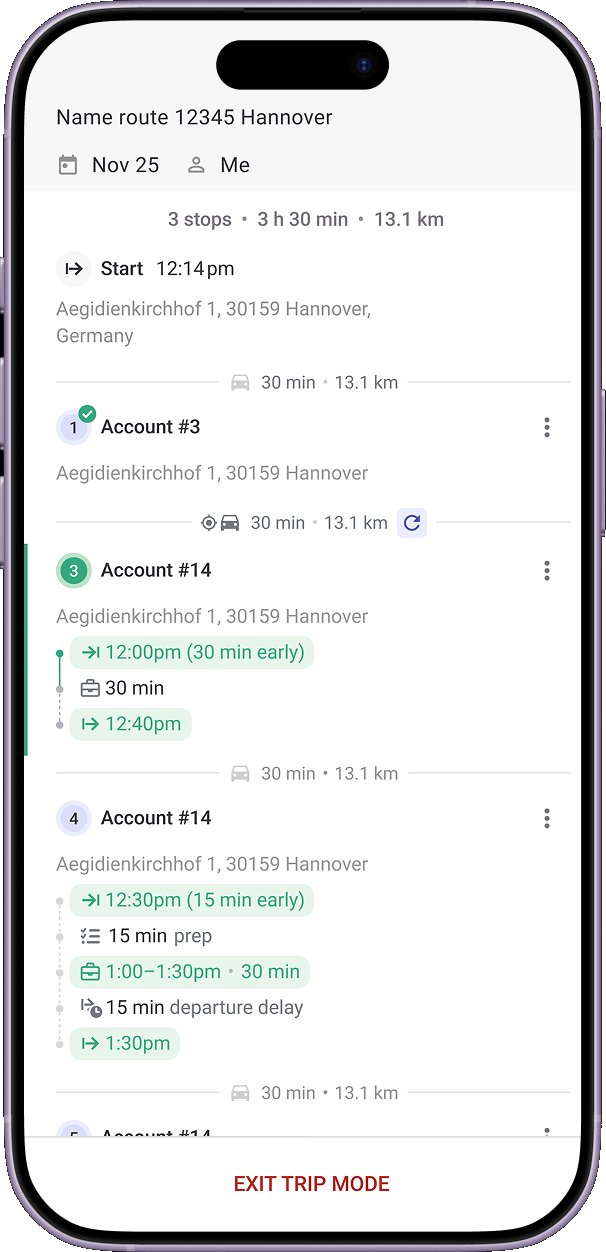
나란히 스냅샷
기능별로—수행해야 할 작업.


Mapsly 모델을 살펴보세요.
팀이 Mapsly 를 선택하는 이유는 단순히 소프트웨어 때문만은 아닙니다—함께 제공되는 것들 때문입니다. 구현, 맞춤 개발, 그리고 귀하의 계정을 담당하는 엔지니어. 포함.
구현, 포함.
전담 Mapsly 엔지니어가 CRM을 설정하고, 첫 번째 워크플로를 구축하며, 귀사의 언어로 팀을 교육합니다—첫 30 일 이내에.
맞춤 개발, 귀하의 계정에서.
제품에 포함되어 있지 않은 양식, 대시보드 또는 앱이 필요하신가요? 담당 Mapsly 엔지니어가 만들어 드립니다. 구독 내에서.
라우팅은 하나의 기능입니다—제품 자체가 아닙니다.
Mapsly가 경로를 계획합니다. 또한 사용자의 양식, 자동화 및 Custom Apps를 실행합니다. 라우팅은 하루 중 90분입니다. 플랫폼이 나머지 부분을 실행합니다.
portatour®가 제공하지 않는 플랫폼 레이어.
Mapsly에는 있고 portatour®에는 없는 여섯 가지 표면.
사용자 지정 앱
엔지니어가 고객님을 위해 구축하는 앱—날씨 지도, 주문 추적, 영업 분석. 구독에 포함되며, 기능 요청 대기열이 없습니다.
추가 비용 없이 고객님을 위해 구축됨자동화
모든 CRM 이벤트, 데이터 변경, 일정, 또는 지오펜스에서 워크플로를 트리거하세요. 다단계, 조건 기반, 코드 불필요.
4가지 트리거 유형Travel-Aware Calendar
CRM, Google, Outlook 캘린더와 양방향 동기화. 운전 시간, 휴식, 운영 시간을 고려하여 회의 사이의 유휴 시간을 자동으로 채웁니다.
4 캘린더 동기화됨다중 소스 · 다중 객체
여러 CRM, 스프레드시트 및 API를 연결하세요. CRM이 노출하는 모든 개체—계정, 연락처, 사용자 지정 개체를 기준으로 경로를 설정하세요.
15+ 커넥터 + API분석
40+개 차트 유형, 드래그 앤 드롭 대시보드, 직접 SQL 액세스. 경로, 체크인 및 CRM data가 미리 로드되어 있습니다.
40+ 차트 유형AI 어시스턴트 + 음성-to-CRM
담당자가 말하면, 어시스턴트가 방문을 기록하고, 레코드를 채우며, 컨텍스트가 부족할 때 다시 묻습니다. 자체 모델을 가져오세요.
자체 모델 가져오기Mapsly’s AI Assistant와 함께하는 하루.
음성, AI 작업, 대화, 분석—하나의 어시스턴트, 하루 종일.


회의를 자신의 말로 기록하세요.
음성 노트는 오프라인에서도 녹음됩니다. 다시 온라인 상태가 되는 순간, Mapsly가 이를 전사하고, 필드를 파싱하며, 원본 오디오를 방문에 첨부합니다.
음성 메모—핸즈프리, 경로 이동 중에도 오프라인 우선—인터넷 없이 캡처 AI 전사 & 필드 구문 분석 방문 기록에 첨부된 오디오
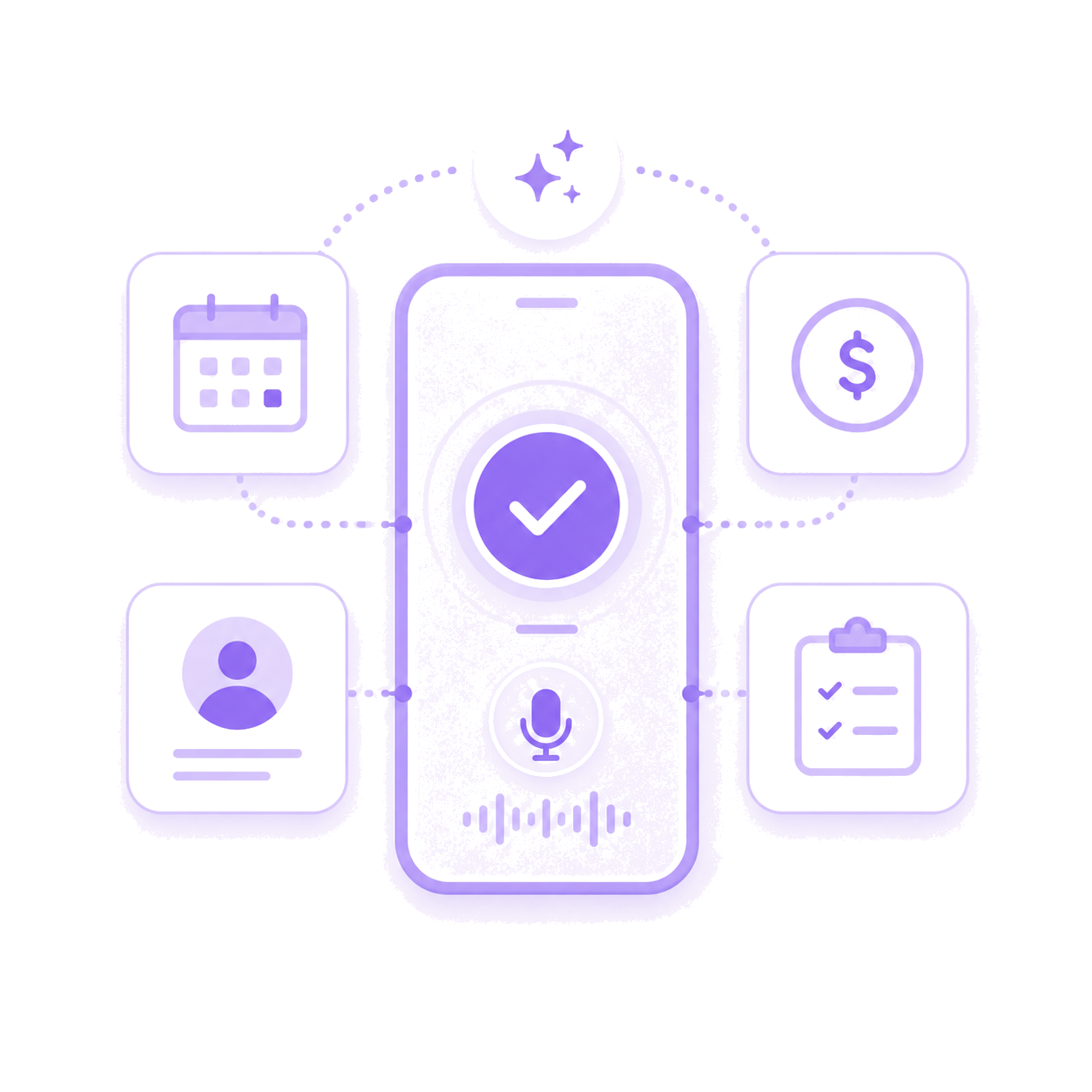
하나의 음성 메모에서—회의, 거래, 연락처, 작업.
AI가 컨텍스트를 읽고 CRM을 업데이트합니다. 거래를 열고, 회사를 업데이트하고, 명함 사진에서 연락처의 전화번호와 LinkedIn을 기록하고, 후속 조치를 대기열에 추가하며, 리드에게 이메일을 보냅니다—모두 올바른 레코드에 연결됩니다.
회의 & 방문 기록 생성 거래를 열고 업데이트합니다 연락처 & 회사를 업데이트합니다 후속 작업을 기록하고 & 이메일을 보냅니다

AI가 당신과 함께 생각합니다.
컨텍스트가 부족하면 Mapsly가 다시 묻습니다. 이전 약속이 지켜지지 않으면 이를 표시합니다. 에스컬레이션이 필요한 경우 적절한 팀원에게 알립니다—음성 또는 텍스트로, 핸즈프리로, 열어야 할 앱 없이.
확인 질문—음성 또는 텍스트 답변 방문-기록 & 약속 확인 Slack, WhatsApp, 이메일, CRM으로 자동 에스컬레이션, 핸즈프리, 앱을 열지 않음

데이터에 무엇이든 물어보세요.
일상적인 언어로 묻는 질문이 채팅에서 차트가 됩니다. 요약, 비교, 추세—연결된 모든 소스에서 쿼리됩니다. “이것을 내 이메일로 보내세요.” 전송됨. BI 도구 없음, 분석가 없음, 대기 없음.
쉬운 말로 된 쿼리 다중 소스—CRM, 스프레드시트, API, 채팅 내 차트 및 요약 결과를 한 문장으로 이메일로 보내기
현장 팀의 고객 사례.
“Last week, we remapped our entire sales force in just 이틀. 이전에는 약 2주.”
“이전에는 경로 계획에 시간이 걸렸습니다, 1–2 시간. Mapsly를 사용하면 걸리는 시간은 10–15분 그리고 다음 날을 위한 준비가 되었습니다.”
“Mapsly는 우리 팀의 생산성을 향상시켰습니다 +200%, 저희의 기대를 훨씬 뛰어넘었습니다.”
고객이 Mapsly 사용 후 보고하는 내용.
두 가지 관점: Mapsly 사용자가 자체 현장 팀에서 보고하는 성과, 그리고 ROI 계산기가 15명의 담당자로 구성된 샘플 팀에 대해 예측하는 내용.
자주 묻는 질문
스냅샷 테이블 각주
- 다중 소스. portatour® 기능 페이지(원문 그대로): “Salesforce, Microsoft Dynamics CRM, Veeva CRM과 바로 사용할 수 있는 통합.” 테넌트당 하나의 관리형 커넥터가 활성화됩니다; 다른 소스의 고객은 Anywhere API를 통해 동일한 고객 테이블에 저장됩니다. portatour.com/features/en
- 메타데이터 기반. portatour® Dynamics 관리자 도움말, “portatour® 사용자 지정 속성”: 각 필드는 자체 사용자 지정 속성 사양으로 추가되며, 문서에 설명된 목록에서 선택됩니다 (원문 그대로): “필드 이름 아래에서 portatour®에서 지원하는 데이터 형식의 선택한 Dynamics 365 엔터티의 모든 필드를 사용할 수 있습니다.” 같은 문서에서는 다음과 같이 조언합니다 (원문 그대로): “필드 추가는 신중하게 고려하세요. 구성된 필드 수가 증가하면, portatour® 서버로 전송해야 하는 데이터 양도 증가합니다. 이는 동기화 속도에 영향을 줍니다.” 2026년 9월 30일에 확인됨. help.portatour.com/360002855232
- API 표면. Anywhere API는 HTTP Basic Auth를 사용하는 HTTPS 함수 스타일 RPC를 사용합니다. 공개 API 문서의 목차에는 webhook 엔드포인트가 나타나지 않습니다; 문서화된 오류 알림 경로는 email-to-admin입니다. my.portatour.net/a/Docs/APIManual (TOC)
- 유료 서비스. portatour® 서비스 카탈로그: 설정 워크숍, 데이터 가져오기-내보내기 워크숍, API 개발자 워크숍 및 유료 서비스로 판매되는 사용자 교육. portatour.com/services/en
- 다중 객체. portatour® Salesforce 페이지 (원문 그대로): portatour® Salesforce Connector는 Salesforce에서 portatour®로 기존 계정, 연락처, 리드, 약속 및 사용자를 가져옵니다. 사용자 지정 객체는 라우팅 가능하다고 문서화되어 있지 않습니다. 2026년 9월 30일 확인됨. portatour.com/salesforce/en