
Mapsly vs portatour®

portatour® ships a route planner.
Mapsly ships a platform.
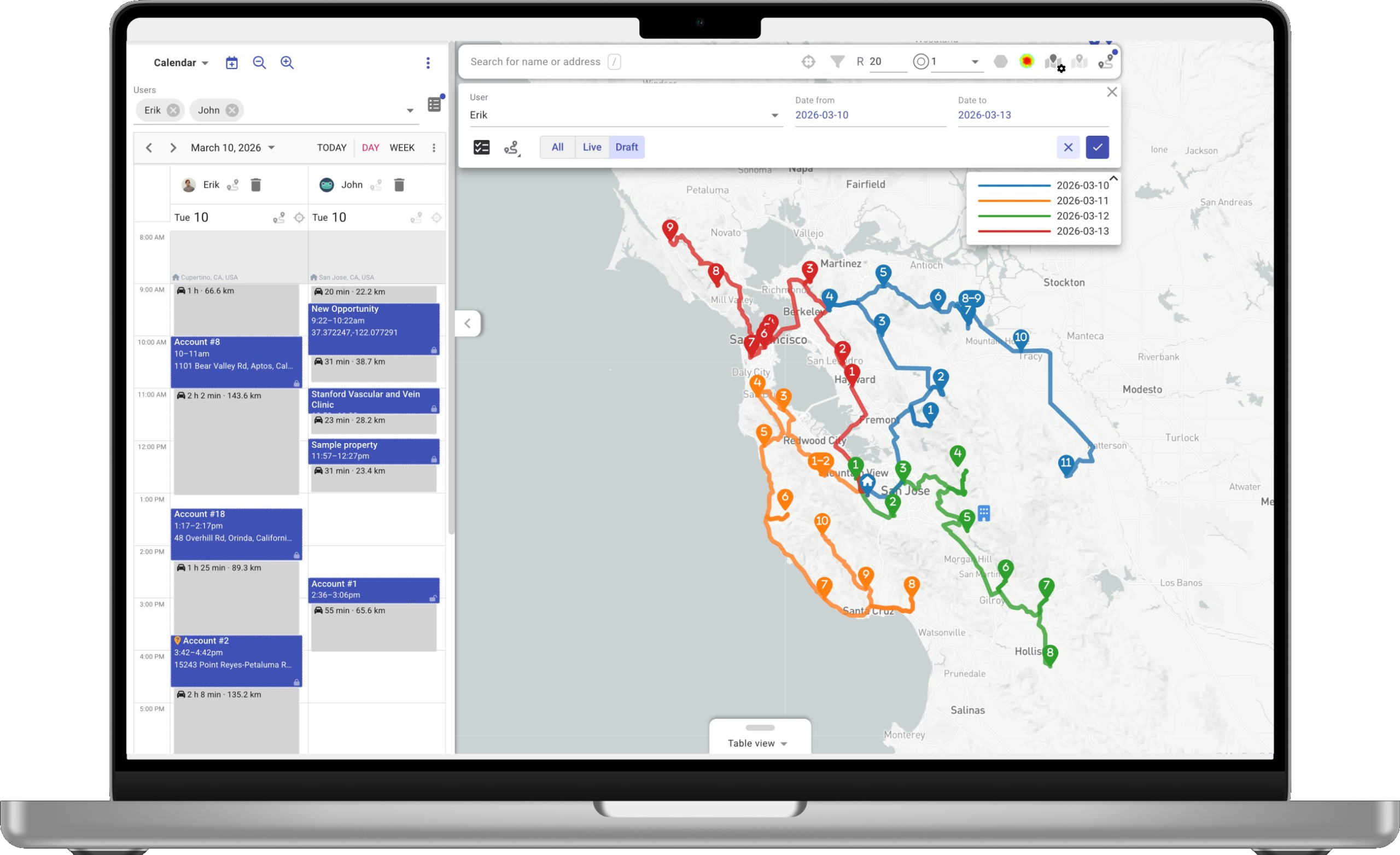
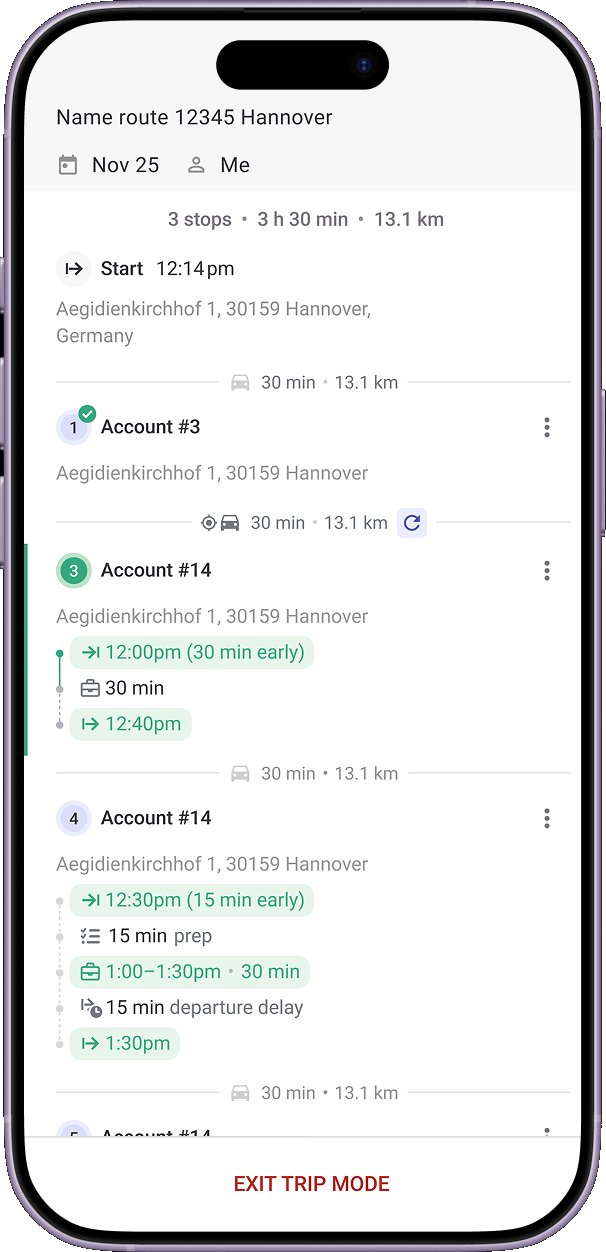
Mapsly on laptop Mapsly mobile route
At a Glance

Side-by-Side Snapshot

Capability by capability—jobs to be done.

Capability
portatour®
Mapsly
Field operations
Adaptive forms · photo · e-signature
Check-in / check-out only
Photo · video · e-signature · barcode / QR
Offline maps, CRM data & navigation
No offline file uploads
Android native mobile app
iOS native mobile app
Voice-to-text · voice-to-action
Hands-free capture & CRM actionsComing soon
التوجيه
Multi-source · multi-object routing
Single source1 · accounts & contacts only5
Any source · any object the CRM exposes
Multi-day, multi-rep planning
الأقاليم
Territory management with metrics
Territory boundary import (KML / GeoJSON)
KML, GeoJSON, Shapefile
Pre-loaded territory library (States, Counties, Postal codes / ZIP)
Counties · ZIP / postal codes
Built-in demographic data
US Census & more
Platform
Custom workflows
Built by Mapsly solution engineer
Custom apps
Weather Map · Order Tracking · Sales Analytics—built for you at no extra cost
Embedded maps
Inside your CRM or portal
CRM metadata reads
≤10 custom-field recommendation2
Self-healing auto-mirror—every field, any type
Automations from CRM data
Context- and metadata-driven engine
Service
Implementation
Paid Workshops4
Included at no extra cost
Real-time support
Stack integration
Anywhere API only3
REST · webhooks · API
The Mapsly Model

Explore the Mapsly model.

Why teams pick Mapsly isn’t just the software—it’s what comes with it. Implementation, custom development, and an engineer on your account. Included.

Implementation, included.

Your Mapsly engineer sets up your CRM, builds your first workflow, and trains your team in your languages—in your first 30 days.

portatour®

Sold as paid Workshops: Setup, Data Import-Export, API Developer.

source

Custom development, on your account.

Need a form, dashboard, or app the product doesn’t ship? Your Mapsly engineer builds it. Inside your subscription.

portatour®

“You shall not use the Service to develop or enhance any product, device, solution, application or software that competes with the Service.”

source

Routing is one capability—not the product.

Mapsly plans routes. It also runs your forms, automations, and Custom Apps. Routing is 90 minutes of the day. The platform runs the rest.

portatour®

A capable route planner—the broader field-ops workflow (forms, automations, apps) isn’t part of the product.

source
The Platform Layer

The Platform Layer portatour® Doesn’t Ship.

Six surfaces that exist on Mapsly and not on portatour®.

Custom Apps

Apps your engineer builds for you—Weather Map, Order Tracking, Sales Analytics. Inside your subscription, no feature-request queue.

Built for you at no extra cost

الأتمتة

Trigger workflows from any CRM event, data change, schedule, or geofence. Multi-step, condition-driven, no code.

4 trigger types

التقويم التوعوي بالسفر

Two-way sync with CRM, Google, and Outlook calendars. Auto-fills idle time between meetings, factoring drive time, breaks, and open hours.

4 calendars in sync

Multi-Source · Multi-Object

Connect multiple CRMs, spreadsheets, and APIs. Route against any object the CRM exposes—accounts, contacts, custom objects.

15+ connectors + API

تحليلات

40+ chart types, drag-and-drop dashboards, direct SQL access. Pre-loaded with route, check-in, and CRM data.

40+ chart types

AI Assistant + Voice-to-CRM

Reps talk, the assistant captures the visit, fills the records, and asks back when context is missing. Bring your own model.

Bring-your-own-model
A Day in the Field

A Day in the Life with Mapsly’s AI Assistant.

Voice, AI actions, conversation, analytics—one assistant, all day. Coming soon

Mapsly
Voice recording with offline-first capture and AI cloud
Voice to text

Capture the meeting in your own words.

Voice notes record even offline. The moment you’re back online, Mapsly transcribes, parses fields, and attaches the raw audio to the visit.

“Met with John at Acme. Interested in enterprise. $40K budget. Demo with head of procurement on Thursday.”
  • Voice notes—hands-free, even mid-route
  • Offline-first—capture without internet
  • AI transcription & field parsing
  • Audio attached to the visit record
AI fires the check-in sequence—meeting, deal, contact, task created automatically
AI acts on your behalf

From one voice note—meetings, deals, contacts, tasks.

The AI reads the context and updates the CRM for you. It opens the deal, updates the company, files the contact’s phone and LinkedIn from a card photo, queues the follow-up, and emails the lead—all linked to the right records.

  • Creates meetings & visit records
  • Opens and updates deals
  • Updates contacts & companies
  • Files follow-up tasks & sends emails
Mapsly asks back in chat—question bubble followed by rep's reply
Proactive AI

The AI thinks alongside you.

When context is missing, Mapsly asks back. When prior commitments aren’t met, it flags them. When something needs to escalate, it pings the right teammate—voice or text, hands-free, no app to open.

“John doesn’t seem to be the store’s manager. Did you talk to the manager?”
  • Clarifying questions—voice or text answer
  • Visit-history & commitment checks
  • Auto-escalations to Slack, WhatsApp, email, CRM
  • Hands-free, no app open
Plain-language question in chat—chart and summary appear inside the conversation
Analytics, in chat

Ask the data anything.

A plain-language question becomes a chart in your chat. Summaries, comparisons, trends—queried across every connected source. “Send this to my email.” Sent. No BI tool, no analyst, no waiting.

“How many visits did I make to category-3 clients, and how does this compare to the previous six months?”
  • Plain-language queries
  • Multi-source—CRMs, sheets, APIs
  • Charts and summaries inside the chat
  • Email the result with one sentence
In Their Words

Customer Stories From Field Teams.

“Last week, we remapped our entire sales force in just two days. Before, that would have taken us about two weeks.”

BR
Billy Reagin
National Sales Manager · Fox Factory
Read the Fox Factory case study

“Before, planning a route took 1–2 hours. With Mapsly it takes 10–15 minutes and we’re ready for the next day.”

GL
Gabriel Lussier
Go-to-market lead · Cisolift
Read the Cisolift case study

“Mapsly boosted our team’s productivity by +200%, far beyond our expectations.”

EL
إريك ليندنبرغ
Zeitview · field service operations
Read the Zeitview case study
Field-Team ROI

What Customers Report After Using Mapsly.

Two views: outcomes Mapsly users report from their own field teams, and what the ROI calculator projects for a sample 15-rep team.

Reported by Mapsly customers Field-team outcomes from the Mapsly customer base.
20%
more service stopssame team
60%
less time planningroutes per week
more data per visitsame rep time
Projected by the ROI calculator Modeled annual results for a 15-rep field team—adjust every input in the live calculator.
Net Annual Value
$100K+
Gas savings + freed-up time − Mapsly annual cost for a typical 15-rep team
Freed-up Hours
2,000+
For the entire team, annually
Return Multiplier
10×+
Return on Mapsly investment—see your number with the live calculator
Plug in your own numbers: Open the ROI calculator
FAQ

Common Questions

Talk to the team

No. portatour® is a route planner. Mapsly is a platform. Routing is one capability on Mapsly; the platform also includes Custom Apps, automation, embedded maps, CRM flexibility, and implementation engineering inside the subscription. If your only requirement is single-rep route optimization, portatour® is a great choice. If you expect your needs to grow, Mapsly handles the surface beyond the route.
portatour® sells Setup Workshops, Data Import-Export Workshops, and API Developer Workshops as paid line items (portatour.com/services/en). Mapsly assigns a solution engineer who configures your CRM connector, builds your first custom workflow, drafts your first Custom App, and records training videos for your team’s use cases—all inside your subscription. Read the CCS Construction case study
A single Mapsly tenant connects to multiple CRMs and data sources at the same time. Records from each source render on one map with overlay control per source; automation and routing run cross-source.
Veeva Systems announced on March 3, 2026 that legacy Veeva CRM will end support on December 31, 2029 (PR Newswire, 2026-03-03). portatour®’s productized Veeva connector is for the legacy Salesforce-hosted product; portatour® has no documented Veeva Vault CRM connector. Pharma teams currently on legacy Veeva face a 3.5-year forced replatform with no announced portatour® bridge. Mapsly’s connector strategy targets the live Veeva surface—talk to a Mapsly solution engineer about your specific Veeva CRM and Vault CRM timeline.
Mapsly starts at $45 per user per month with usage-based components and add-ons. portatour®’s per-rep-per-month rates are JavaScript-rendered and depend on seat tier (1 / 2–9 / 10–49 / 50+); commonly cited third-party figures place portatour® below Mapsly on raw per-user cost at higher seat counts. The trade-off: Mapsly bundles a Custom Apps platform, low-code Automation engine, 15+ CRM connectors, and implementation engineering inside the subscription. On portatour®, you pay separately for Setup / Data / API Developer Workshops, and the equivalent of Mapsly’s Custom Apps capability doesn’t exist in the catalogue.
Yes. Mapsly imports CRM data through its managed Salesforce, Microsoft Dynamics, or Veeva CRM connector—the same CRMs portatour® supports—and can read customer records, appointments, tasks, and reports exported from portatour® through its Anywhere API. Territory definitions can be re-imported via KML / KMZ / GeoJSON / Shapefile or rebuilt programmatically through the Mapsly Automation Platform. A Mapsly solution engineer typically scopes the migration in the first week.
Based on publicly available information—may contain errors. Spotted something? Email [email protected].
Sources & Notes

Snapshot table footnotes

  1. Multi-source. portatour® features page (verbatim): “Out-of-the-box integrations with Salesforce, Microsoft Dynamics CRM, and Veeva CRM.” One managed connector active per tenant; customers from other sources land in the same customer table via the Anywhere API. portatour.com/features/en
  2. Metadata-driven. portatour® Salesforce help-center Custom Fields article (verbatim): “To not slow down the application unnecessarily, it is recommended to configure no more than a total of 10 fields throughout all object types. The amount of data, which continuously needs to be synchronized with the portatour® Server Farm, increases with the number of configured fields.” help.portatour.com/360002873451
  3. API surface. The Anywhere API uses HTTPS function-style RPC with HTTP Basic Auth. No webhook endpoints appear in the public API documentation TOC; the documented error-notification path is email-to-admin. my.portatour.net/a/Docs/APIManual (TOC)
  4. Paid services. portatour® services catalogue: Setup Workshop, Data Import-Export Workshop, API Developer Workshop, and user trainings sold as paid services. portatour.com/services/en
  5. Multi-object. portatour®’s Salesforce help center documents the supported objects as Accounts, Contacts, Leads, Appointments, and Users. Custom objects are not documented as routable. help.portatour.com/360002873451