

Geofencing and live-triggered CRM workflows in Mapsly
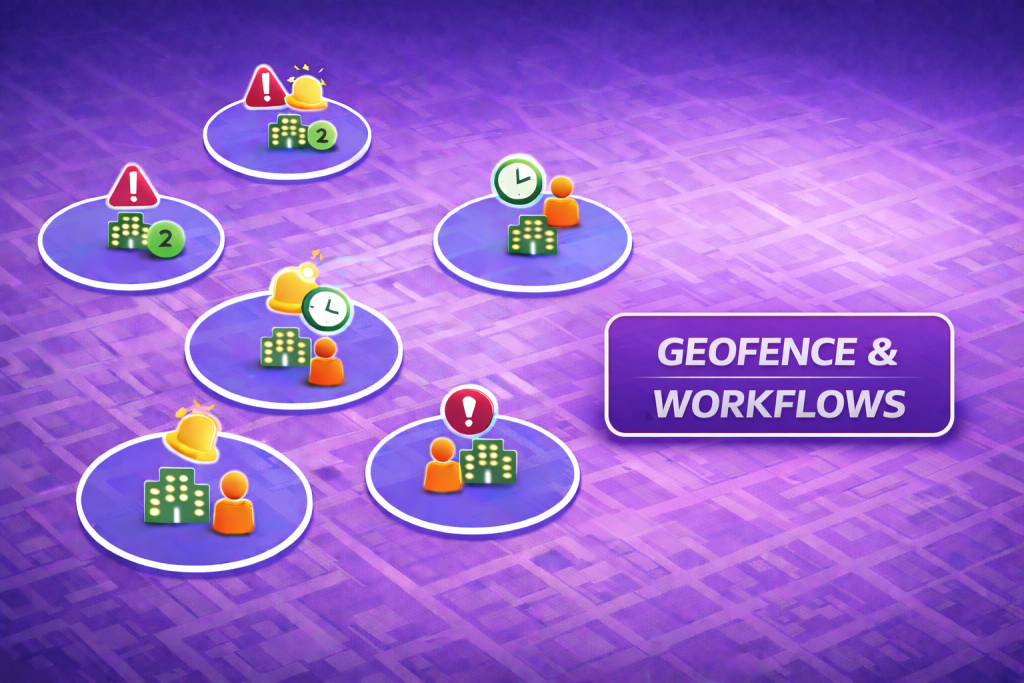
Field operations move in real time—and so can your CRM. With Mapsly geofencing, entering a defined radius can trigger automated CRM workflows, capture timestamps and ETAs, and keep managers up to speed as technicians move through the day. Dispatch sees live location, status, and commitments on one map, while updates write back to CRM records for clear accountability without extra apps or manual check-ins.
Container pickup route planning and operations in Mapsly
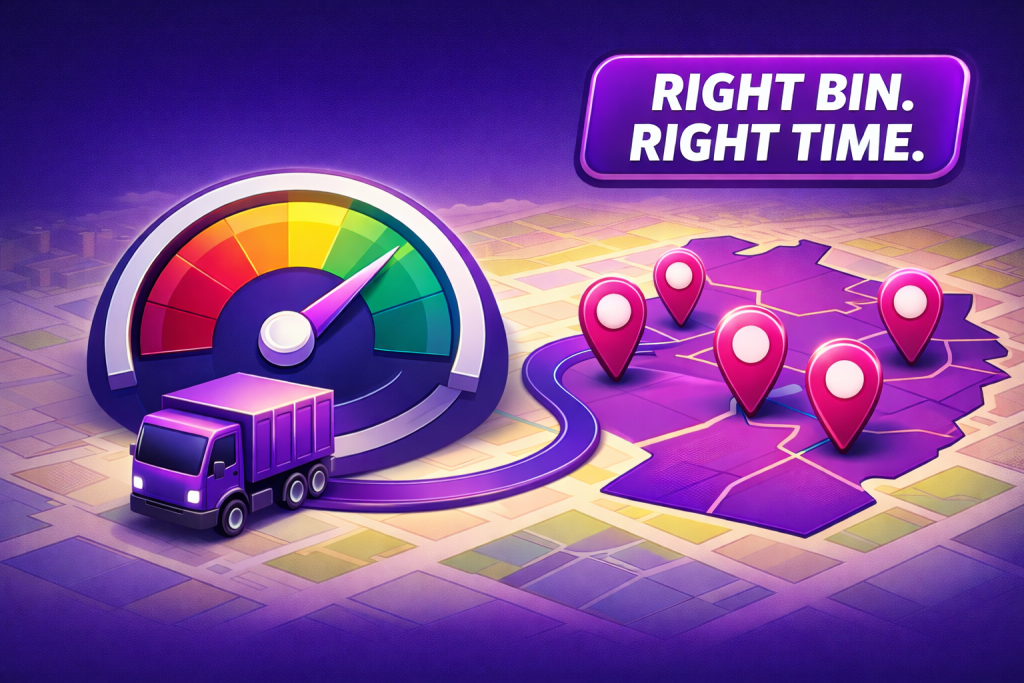
Container pickup is a cadence game: right bins, right driver, right timing. Mapsly brings container pickup operations and route optimization onto one map so dispatch, automation, and driver reporting move in lockstep. Territories, service frequencies, and availability windows sit next to live status and capacity, while routes respect working hours, max driving time, breaks, and start/finish locations—making daily pickup execution predictable and easy to adjust when conditions change.
Smart appointment scheduling suggestions in Mapsly

For call centers, the fastest path to a confirmed booking is a clear, context-aware appointment slot. Mapsly’s Calendar suggestions let an agent enter a new customer’s location and instantly see specific time slots that fit—no guesswork, no back-and-forth. By pairing territory coverage with drive-time calculations and working hours, the calendar surfaces appointment options that make operational sense, reduce travel, and keep field utilization high.
Weather-aware route planning in Mapsly
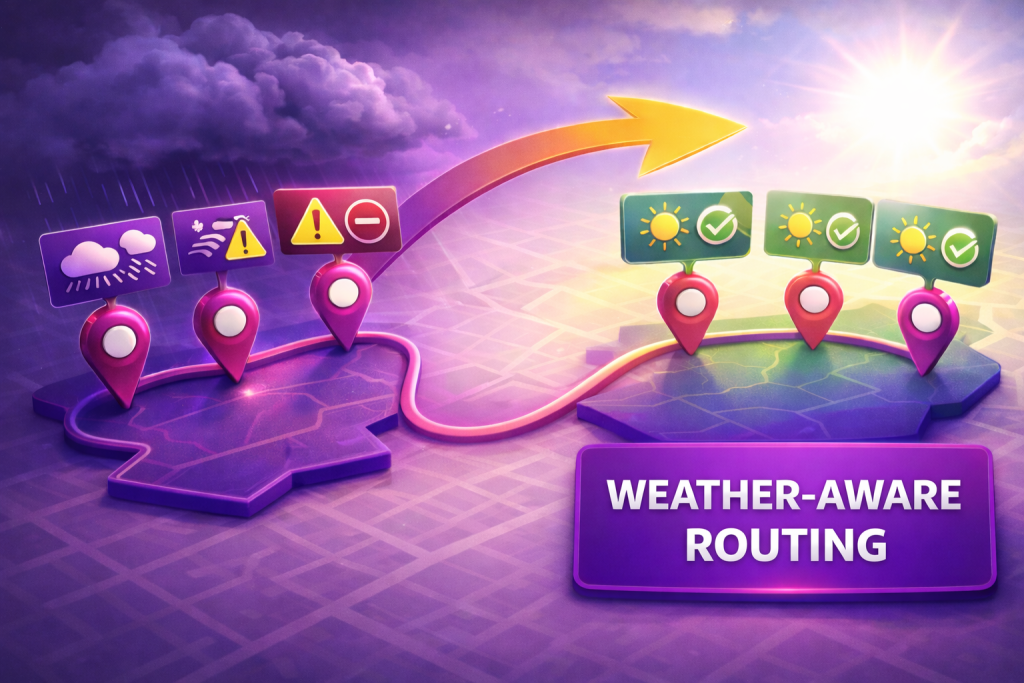
Field work is weather work. Roofing, solar, landscaping, inspections—your day lives by the forecast. With Mapsly, routes can be influenced by a third-party weather API to add weather-based availability windows to your route stops using the forecast. Dispatch and crews get weather context next to the route plan itself, so decisions happen where they matter: on the map and in the Route panel by incorporating availability windows, working hours, and max driving time.
Distance-aware calendar scheduling in Mapsly
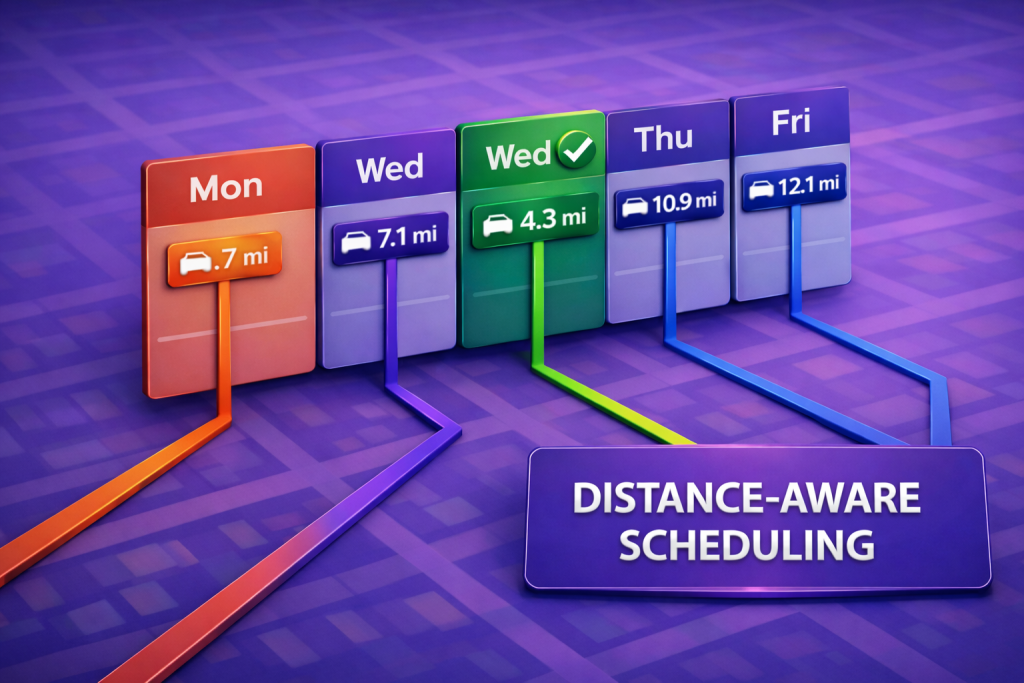
Scheduling isn’t just about open slots—it’s about choosing the day that minimizes travel time. Mapsly can add a custom Calendar view that shows team availability and the distance to the nearest same-day meeting from any address you enter in search, so reps pick the most sensible day at a glance and book it to the CRM calendar in one step. The result is fewer long hops, tighter days, and schedules that fit how your team actually moves across a territory.
Merchandising audits & supervisor store visits in Mapsly

On-shelf visibility and retail execution determine what gets bought. Mapsly helps merchandising supervisors see where to go, plan efficient days, and capture consistent in-store audit interviews—so flavors stay on shelf and sell-through stays healthy. At scale, supervisors get one operational view of target outlets, priorities, and visit status, with optimized routes that respect availability windows, store hours, visit duration, working hours, and breaks, then write audit results back to the CRM for clean reporting.
Canvassing in Mapsly
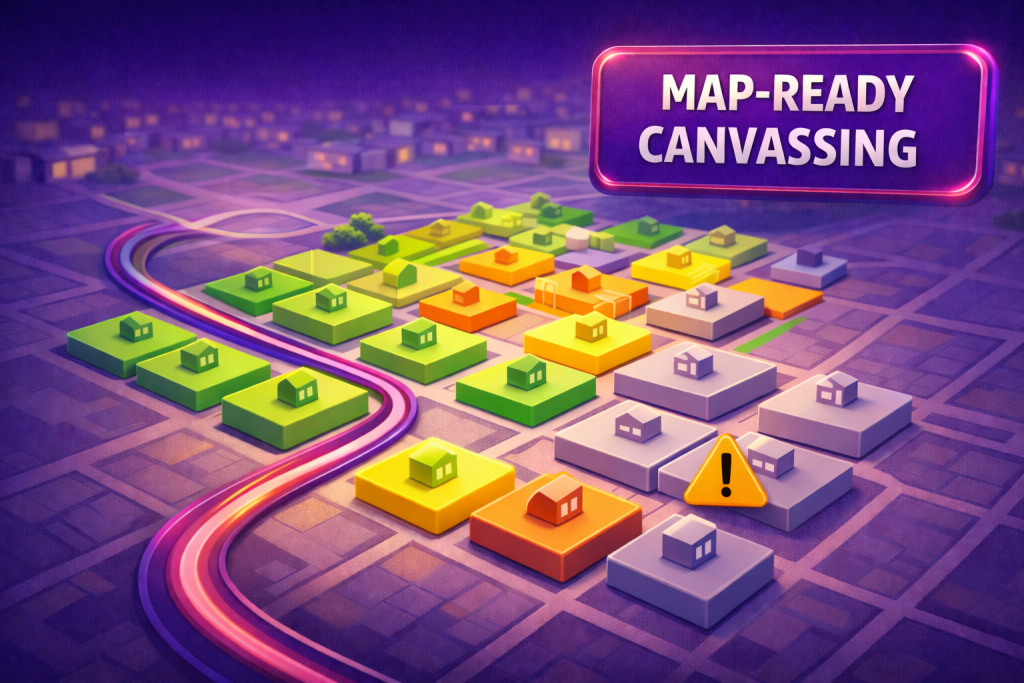
Turn door-to-door efforts into clear, map-ready insights. Mapsly helps teams see where they’ve been, what people said, and what to do next—without leaving the map or the mobile app. Organizers get a single operational view with colorized outcomes, customizable filters, and live progress, while street teams follow simple routes, capture notes and photos on the spot, and keep the CRM current without extra steps.
Routes on the map + instant invoicing via your CRM

Mapsly ties route planning and billing into a single flow—see where you’re going, confirm what was delivered, and trigger invoices before you leave the site. Note: Mapsly doesn’t generate invoices itself; it provides the interface and actions to create invoices in your connected CRM/ERP. In practice, this means reps follow an optimized delivery route with live status on the map/table, record what actually moved, and launch invoice creation from the same screen—keeping working hours on track and the cash cycle moving faster.
Roofing map for estimates, installs, and job status tracking
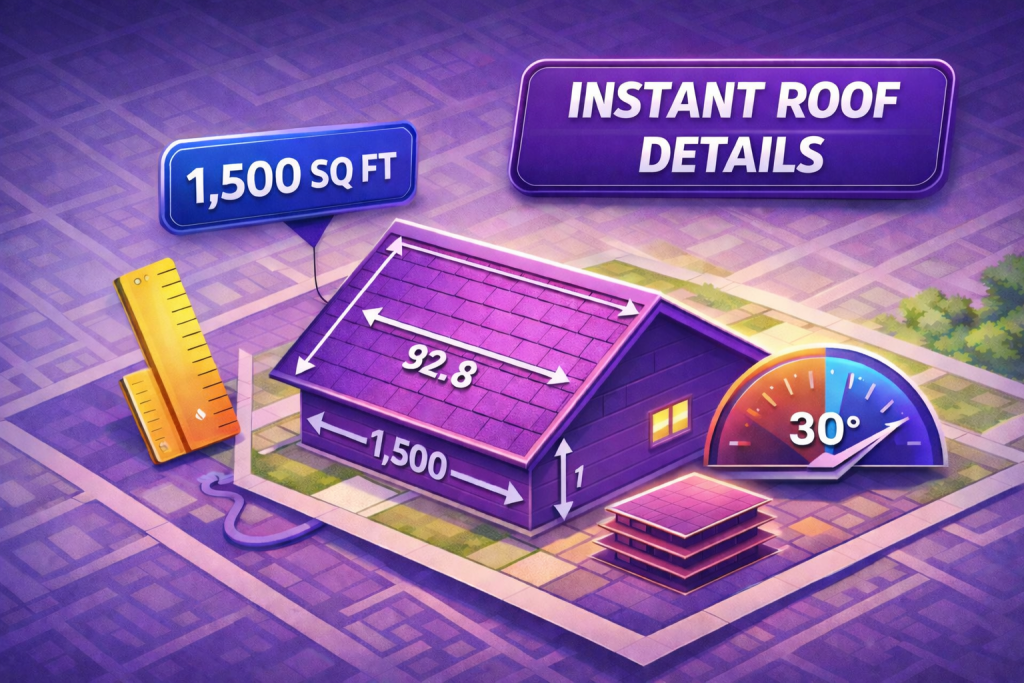
Roofing teams rely on accurate visibility and clean execution from estimate to roof installation. Mapsly brings roof intelligence and field reporting into one roofing map—so every house, scope, and install status stays clear. Supervisors get a single operational view of neighborhoods, job progress, and priorities, while crews move through realistic days with the same job context on mobile—less back-and-forth, fewer surprises, and cleaner handoffs between estimating, production, and close-out.
Technician search and job assignment on the map
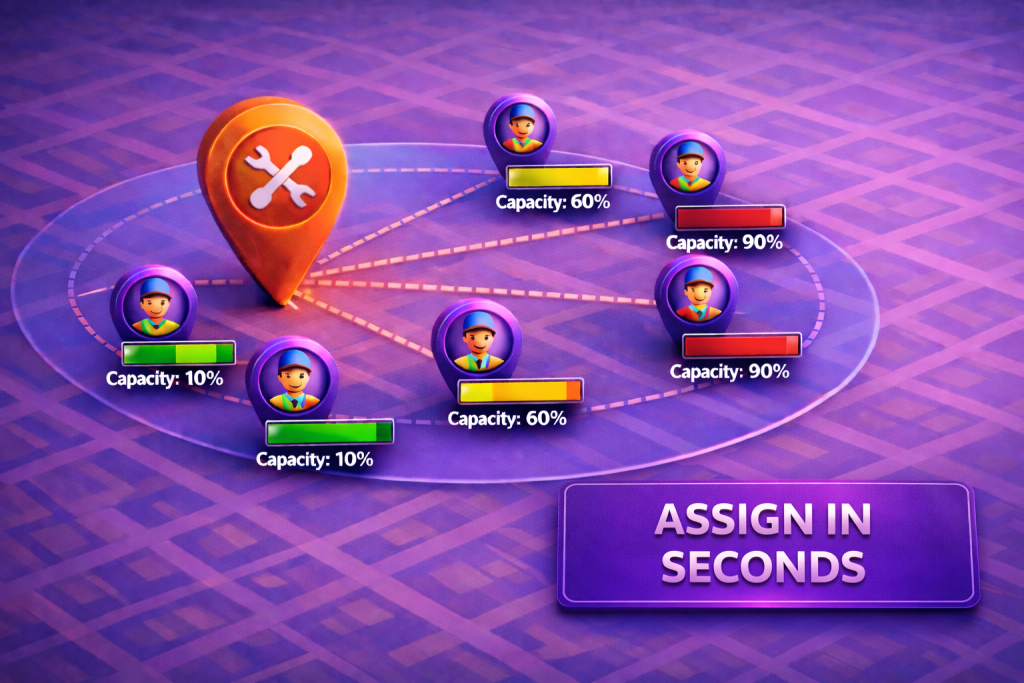
When speed matters, seeing technicians and service requests on the same map is everything. Mapsly can show leads and technicians side-by-side, then use a custom form to match work—like lawn mowing—to the closest 5 available technicians in seconds. Dispatchers get proximity and ETA in one operational view, with territory ownership, skills, and working hours considered in the background so assignments land with the right tech the first time.